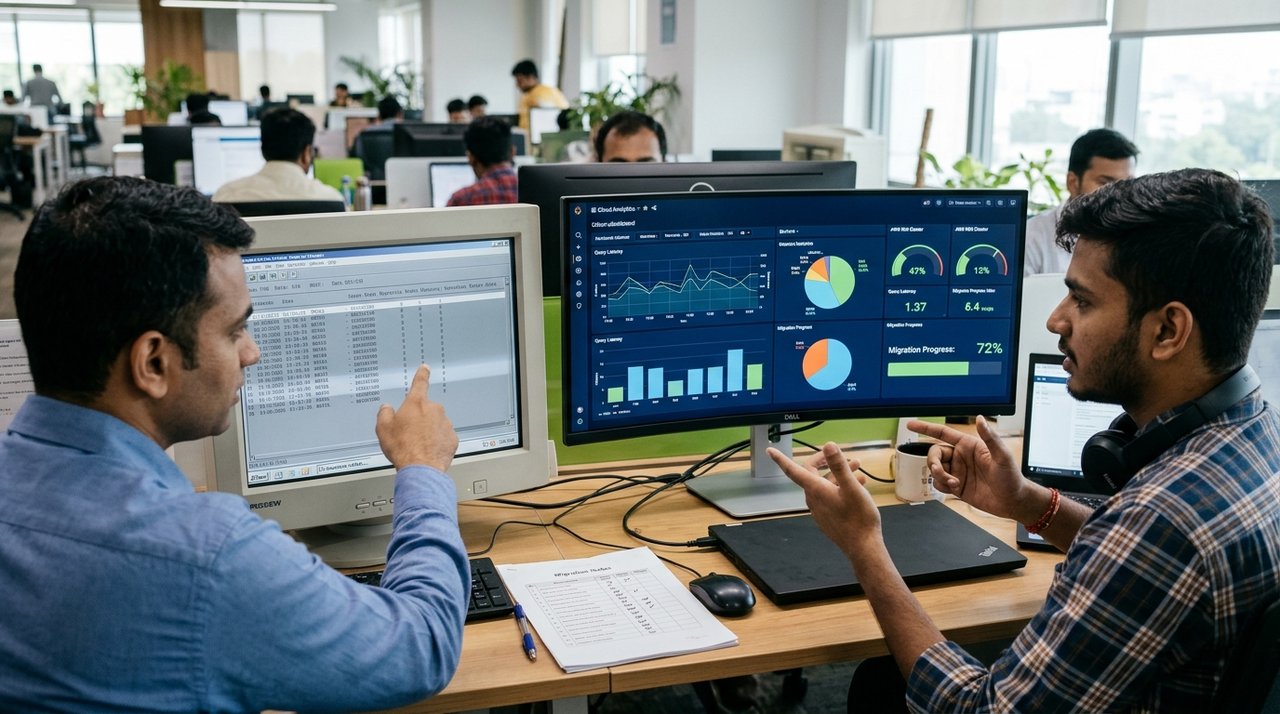
2. Legacy Technologies & Databases We Specialize in Modernizing
Because Panksoft™ has been engineering commercial software continuously for over 22 years, our senior architects worked firsthand with classic desktop stacks in the 2000s and modern cloud .NET platforms today. We routinely migrate:
- Visual FoxPro (VFP 6 / 7 / 8 / 9) & FoxPro for DOS/Windows: Complete extraction of free tables and database containers (
.dbc,.dbf,.fptmemo fields), translating procedural PRG calculations into clean C# and SQL Server stored procedures. - Visual Basic 6.0 (VB6) & VBA / MS Access Systems: Re-architecting VB6 forms, ADO/DAO recordsets, ActiveX controls, and Access
.mdb/.accdbbackends into responsive ASP.NET web applications backed by enterprise SQL Server. - Classic ASP, Early .NET 1.1/2.0 & Aging SQL Workloads: Upgrading slow, vulnerable legacy web portals to modern encrypted cloud hosting with role-based permissions and mobile responsiveness.
Why Generic "Automated Code Converters" Fail on Real Factory Databases
If you search online for VB6 or FoxPro migration tools, you will see automated converter utilities promising instant mechanical translation to C#. Any engineer who has tried running those converters on a real fifteen-year-old Indian accounting or inventory system knows what happens next: messy spaghetti code that still relies on broken Windows desktop DLLs, sluggish screen redraws, and zero true cloud or mobile capability.
Legacy desktop programs mixed screen button clicks, global variables, printer escape codes, and direct file-locking loops inside the same form event. True modernization requires a human architect who understands both worlds—extracting the pure business rules (how discounts round, how challan returns reconcile, how financial-year turnovers roll forward on April 1st) and implementing them cleanly on a modern relational SQL Server backend and responsive web front end.
3. Our Proven 4-Step Zero-Data-Loss Migration Framework
Factory and trading operations cannot afford three days of billing downtime during a software switchover. We execute every modernization through four controlled phases:
Step 1: Study → Step 2: Migrate → Step 3: Modernize → Step 4: Support
We audit your existing screens and database files, write repeatable automated data-extraction scripts, rebuild and enhance your application on Microsoft .NET and SQL Server in the cloud, and run parallel live verification with your staff before final cutover.
- 1. Deep System & Database Study: Even if you do not have original source code or documentation, we inspect your live screens, printouts, and underlying data tables to map every master, voucher, formula, and edge case.
- 2. Automated Zero-Loss Data Migration: We write deterministic migration scripts that clean encoding quirks, fix orphaned legacy rows, validate customer emails (often paired with Panksoft Email Checker), and reconcile migrated opening balances down to the last paisa or cent.
- 3. Cloud .NET Application Modernization: We rebuild your workflow as a clean, fast browser-based application—keeping rapid keyboard navigation for veteran clerks while adding modern capabilities like 1-click PDF invoice email, mobile owner dashboards, multi-warehouse support, and strict Admin/User edit security via Custom Software Development.
- 4. Parallel Run, Staff Training & Long-Term Support: Your team tests migrated data in a staging sandbox while your old PC keeps running normally; once totals match 100%, we run a quick weekend delta sync and go live smoothly on Monday morning.
4. Before & After: Legacy Desktop vs. Modernized Panksoft Cloud App
| Operational Area | Legacy VB6 / Visual FoxPro / Access PC | Modernized .NET & SQL Server Cloud App |
|---|---|---|
| Where You Can Access It | Stuck on one office computer or fragile local LAN wiring. | Securely accessible from office, factory, home, or smartphone worldwide. |
| Data Safety & Backups | Manual pen-drive copies; high risk of index corruption or hard-disk crash. | Transactional SQL Server engine with automated encrypted cloud backups. |
| Multi-Warehouse / Multi-Branch | Separate disconnected databases per location; manual consolidation. | Every godam, plant, and branch connected live in one unified view. |
| Client Invoices & Reports | Clumsy virtual-printer PDF exports and manual email attachments. | 1-click formatted PDF invoices, instant email & SMS alerts, live mobile BI. |
5. Familiar Speed for Veteran Clerks, Total Freedom for Owners
The biggest fear veteran accountants and storekeepers express before a migration is losing their typing speed. If a clerk has entered 200 bills a day using keyboard Tab and Enter keys for twelve years, forcing them to click tiny mouse dropdowns slows down dispatch. Our UI engineers preserve fast keyboard-first entry flows so your long-serving staff feel comfortable on day one, while directors gain instant mobile dashboards anywhere across the regions on our Countries We Serve map.
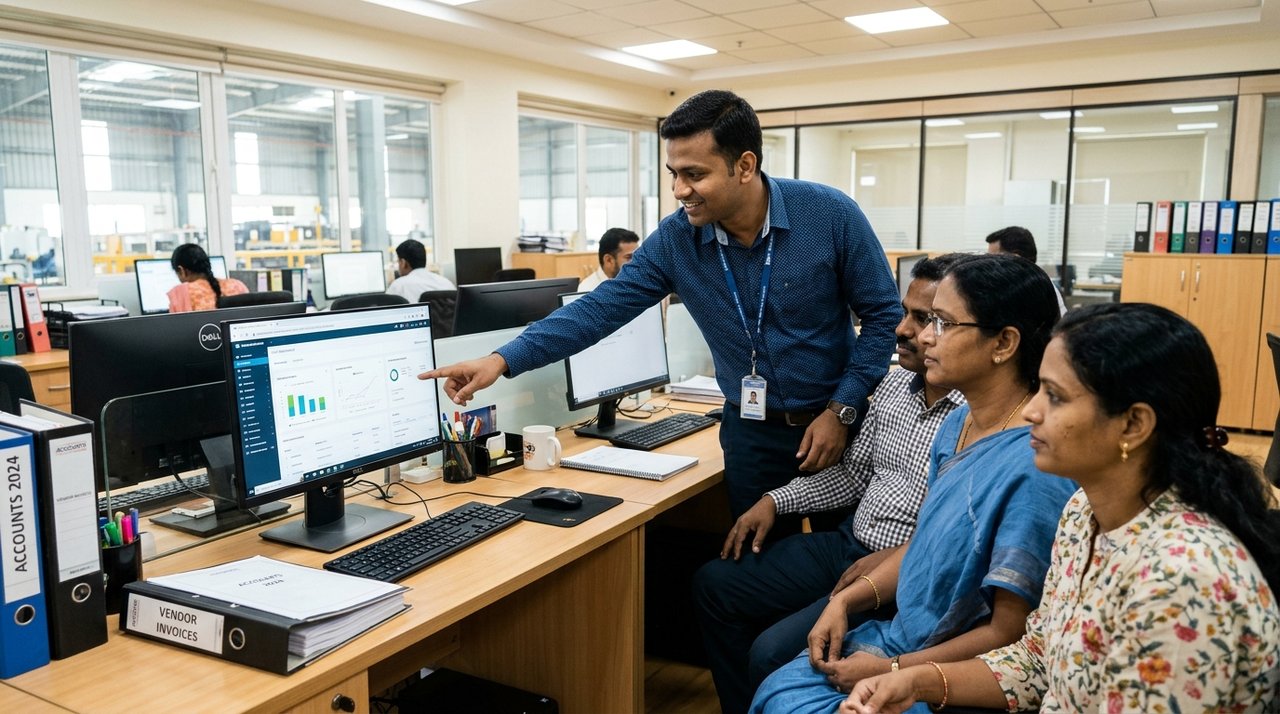
How We Handle Dirty Legacy Data, Duplicate Masters & Multi-Year Archives
Fifteen years of daily typing inside an older Visual Basic or FoxPro system inevitably leaves behind data quirks: the same customer account entered three times under slightly different spellings, discontinued item codes mixed with active stock, negative stock balances caused by out-of-sequence backdated entries, and broken character encodings in remarks fields. Simply dumping raw legacy tables into a cloud database carries yesterday's mess into tomorrow's software.
During Phase 2 (Migrate), our database engineers give your management team a clean reconciliation workbook before final import. Together, we merge duplicate party masters cleanly, archive obsolete ten-year-old items so active dropdowns stay crisp and fast, verify every opening debtor/creditor balance and physical warehouse stock figure against your audited books, and lock in referential integrity on SQL Server so negative-stock or orphan-voucher bugs can never happen again.
Just as importantly, we never ask you to switch off your old PC cold turkey on day one. During your parallel validation window, your accountant compares trial bills, GST/VAT tax summaries, and godam stock reports side by side until everyone in the office—from the managing director to the junior dispatch clerk—trusts the new cloud numbers completely.
6. Fast-Track Modernization for PP Woven Mills, Traders & Bag Factories
If your legacy FoxPro or VB6 program runs a polypropylene woven sack business, you may not even need a custom rebuild from scratch. Dozens of enterprises migrate their legacy masters straight into WovenSuite – Manufacturer, WovenSuite – Trader, or WovenSuite – BagFactory—switching from a single-PC desktop register to a specialized cloud platform in days rather than months, at predictable subscription rates shown on our pricing overview.
Checklist: Five Signs Your Business Should Schedule a Legacy Audit This Quarter
- 1. You Keep One Old Windows 7/XP Computer Alive Solely for Billing or Stock: If a ₹15,000 motherboard or hard-drive failure on one aging PC would freeze your dispatches tomorrow morning, migration is overdue.
- 2. Staff Manually Copy Figures from Your Old Program into Excel or WhatsApp Every Evening: Whenever owners ask clerks for daily WhatsApp photos of printed reports because the software cannot be opened from home, cloud modernization pays back immediately in leadership clarity.
- 3. Database Re-Indexing ("Pack / Reindex") Is Needed Weekly: Frequent index repair routines on FoxPro
.cdx/.idxor Access files are early warning signs of table bloat and network packet drops that precede serious data loss. - 4. Adding a Second Godam or Branch Office Feels Impossible: Expanding storage sheds or opening a regional sales depot should take two clicks in your admin panel—not buying leased-line static IPs or emailing zip backups back and forth.
- 5. Customer Communication Still Happens Manually Outside the Software: Modernizing lets you email PDF bills automatically, trigger SMS dispatch summaries, and export clean party lists into Panksoft Bulk Email Sender for instant stock broadcasts.
7. Frequently Asked Questions — Legacy Software Migration
We lost the source code to our old VB6 / FoxPro software years ago. Can you still migrate us?
Yes. In most legacy migrations, original source files are missing or outdated. We read your underlying database tables directly and map your live application screens, printouts, and calculation rules cleanly.
Will our business have to shut down billing while you build the new cloud version?
Never. Your team keeps billing on your current PC throughout development and testing. Final cutover happens over a scheduled Sunday or evening sync once your staff has already practiced on real migrated data.
How many years of historical bills, party ledgers, and stock records can we bring over?
As many years as exist cleanly in your legacy tables—or, if you prefer a fresh start, we can archive historical years as searchable read-only reference tables while migrating clean verified opening balances and active masters into your live cloud ledger.
What happens to weird custom formulas or party-specific billing rules built into our old software?
During Phase 1 (Study), we document every custom calculation—such as tare-weight deductions, bundle rounding, brokerage percentages, or processing wastage tolerances—and verify our SQL/.NET outputs against sample historical bills from your old system.
Can we add new features—like mobile approvals, WhatsApp/SMS alerts, or multi-godam tracking—during migration?
Absolutely. Modernizing to .NET and SQL Server is the ideal moment to eliminate manual spreadsheet patches and add multi-warehouse visibility, PDF invoicing, and role-based permissions.
Retire That Fragile Office PC Before It Fails
Book a confidential, zero-obligation legacy assessment through our Contact Us desk today.